Thinkdown
7 voice note templates for meetings, ideas and journaling
A voice note template is a short running order you can keep in your head: three or four things to say, then a format to turn them into. Here are seven, for meetings, ideas, journaling and the moments in between.
Each template below has two parts: the cues you say, in order, and the format you want back (a list, a journal entry, an email). Use them as they are, or take the cues and drop the rest. They work with any voice recorder. They work best with a tool that can reshape what you said into the format you picked.
What makes a voice note template different from a written one?
A written template is a form. You look at the boxes and fill them in. You can't look at boxes while you're driving home from a meeting, so a spoken template has to live in your head.
That changes the rules:
- Three or four cues, no more. Anything longer and you'll forget the order halfway through.
- Say the cue out loud. “Decided: …”, “Next: …”. It sounds a bit odd, but it gives the note clear sections to hang off.
- Pick the format afterwards. Talk first, choose list or email later. The same recording can become both.
The seven templates
1. Meeting recap
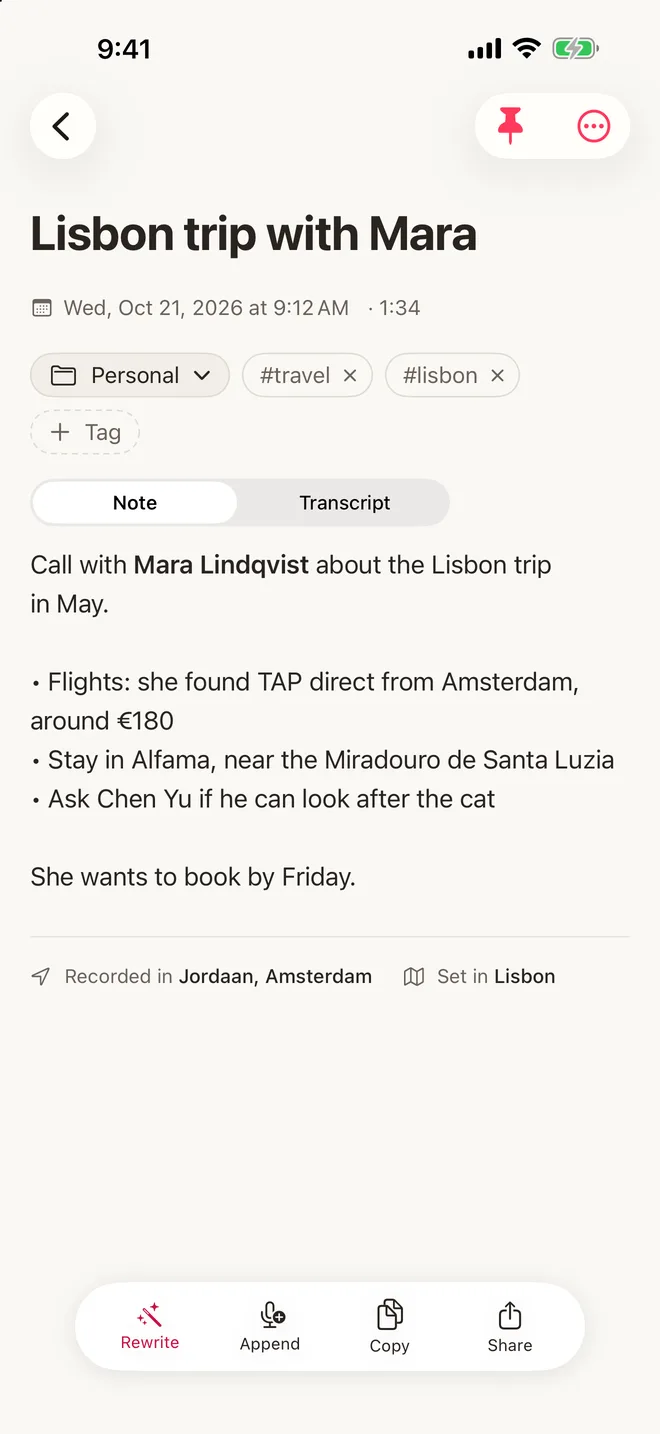
Say: who it was with, what got decided, any numbers or dates, and who's doing what.
Format: a list. Decisions at the top, to-dos at the bottom.
Record it in the first five minutes after the meeting, before the next one overwrites it. Corrections are fine (“the 3rd, no, the 10th”). A good tool keeps the one you meant.
2. Idea capture
Say: the idea in one sentence, why it came up now, and the smallest next step.
Format: a clear note. Short plain sentences, nothing else.
The “why now” part is what makes an idea useful three weeks later. Without it, you'll reread “podcast about bridges?” and have no idea what you were thinking.
3. Daily journal
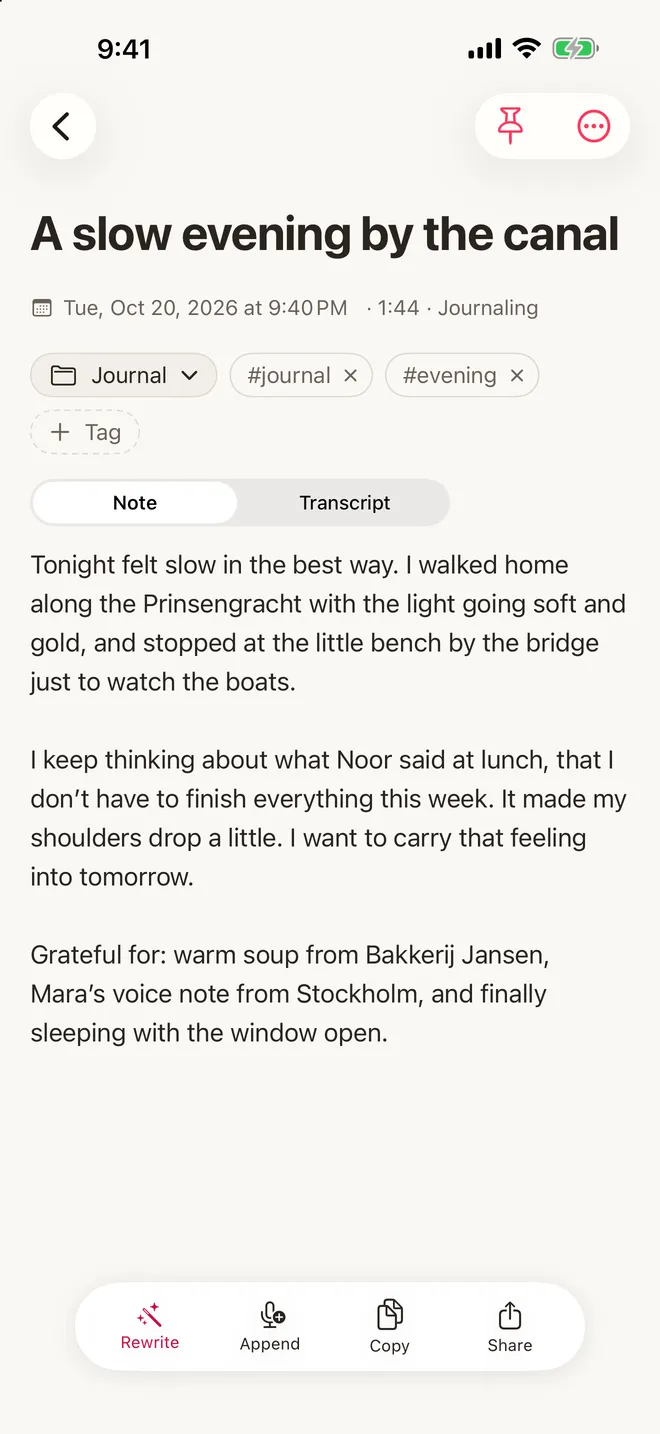
Say: what happened, how it felt, and one thing you want to remember.
Format: a journal entry, in first person, feelings left in.
Two minutes is plenty. If you want more on this one, there's a whole piece on journaling by talking.
4. Follow-up email
Say: who it's to, what you agreed, what you need from them, and by when.
Format: a short email with a greeting and a sign-off.
Talk the way you'd explain it to a colleague, not the way you'd write it. The email format takes care of “Hi Dana” and “Thanks”.
5. Brain dump to to-do list
Say: “I need to…” before every task, as fast as they come.
Format: a checklist.
The “I need to” phrase matters more than you'd think. It makes the tasks easy to tell apart from the worrying you'll do in between, which belongs in a different note.
6. Decision note
Say: the question, the options, which way you're leaning, and what would change your mind.
Format: your own. Most tools don't ship this one, so it's a good first custom style (more on that below).
The last cue is the useful one. “I'd change my mind if the quote comes in over $4,000” turns a vague lean into something you can check later.
7. Prompt for an AI assistant
Say: what you want, the background, the constraints, and what the answer should look like.
Format: a structured prompt: goal, context, constraints, output.
Rambling at a chatbot gets you a rambling answer. Talking it through first and pasting a clean prompt gets you a much better one.
What does one recording look like in three formats?
Here's a made-up example. Ruth runs a Sunday running club and records this on the drive home. Plain dictation heard two of the names wrong:
“okay, um, club run today. fourteen people, which is a record. Calum wants to do a trail run next month, and I think yes, but not the 9th, the 16th, the 9th is the half marathon. I need to book the minibus, and tell Essie she's leading the slow group.”
Notice what changes and what doesn't. The facts are the same in all three. Only the shape and the tone move. That's the whole idea of a template you pick afterwards: you don't have to decide who the note is for while you're still figuring out what you think.
How do you make your own voice note template?
A template is really just a name and a few lines of plain instructions. Write it the way you'd brief a helpful colleague. For the decision note above:
Decision note. Start with the question in one line. Then the options as bullets, with one pro and one con each. End with “Leaning:” and “I'd change my mind if:”.
- Describe the shape, not the vibe. “One line, then bullets, then two labelled lines” works. “Make it punchy” doesn't.
- Test it on an old note. Rewrite something you already recorded and see if the result is what you wanted.
- Keep it short. If the instructions are longer than a typical note, cut them.
Which template should you start with?
- Just left a meeting?Meeting recap, as a list
- Head full of tasks?Brain dump, as a checklist
- End of the day?Daily journal, as an entry
Pick the one that matches a moment you already have every day. A template you use five times a week beats seven you never remember.
Doing it with Thinkdown
In Thinkdown, templates are called styles. The built-in ones are Journaling, Clear & Simple, List, Email and LLM Prompt, and you can make your own with a name and a few lines of instructions. Choose a default for every new note, or have it ask after each recording.
Any note can be rewritten in a different style later, or as a copy, and every version is kept. Say what you need to do and you get a checklist you can tick off. The recording and transcript stay with each note.