Thinkdown
Turn rambling voice memos into clear notes
Most voice memos are recorded once and never played again. The idea was good. The memo is just too long, too messy and too hard to skim. Here is how to turn one into a note you'll actually use.
Why voice memos pile up
Talking is fast. Listening back is slow. A two-minute memo takes two minutes to replay, and you can't skim it, search it or tick anything off.
So memos pile up in a list of files called “New Recording 47”. The thought is in there somewhere, buried under ums, restarts and “wait, no”.
The fix isn't to talk more neatly. It's to turn each memo into text that reads like you wrote it on purpose.
One messy memo
Here's a made-up memo from Tomás, recorded on the drive home after a planning call:
“Okay so, um, the garden project. We said three beds, no, four beds along the fence. Ines is getting the wood, I think by Saturday? And I need to price soil, like, the bulk stuff, not bags. Oh and the tap is on the wrong side, so we need a longer hose or, actually, maybe just move bed four. Also remind me to text Priya about her old trellis.”
Forty seconds of talking. Everything important is in there. But it's not something you'd want to reread.
Step 1: Get the words down
First, turn the audio into text. Any transcription does this. You'll get every word, including the ones you didn't mean.
This is the step most people stop at. A raw transcript is better than audio because you can search it. It's still hard to read.
Step 2: Keep what you meant
Next, apply your own corrections. When you said “three beds, no, four beds”, you meant four. When you said “a longer hose or, actually, maybe just move bed four”, the real idea is “move bed four”.
Cut the fillers, keep the decision. A good rule: if you corrected yourself, keep only the last version.
Step 3: Split facts from to-dos
Most memos mix two things: what's true and what you need to do. Pull them apart.
- Facts: four beds along the fence. The tap is on the wrong side.
- To-dos: price bulk soil. Text Priya about the trellis.
- Waiting on someone: Ines brings the wood, maybe by Saturday.
To-dos become a checklist you can tick off. Facts become a short paragraph. “Waiting on” items are easy to forget, so give them their own line.
Step 4: Give it a real title
“New Recording 47” tells you nothing. “Garden: four beds, move bed four near the tap” tells you everything. A title should say the main decision, not the topic.
Add a tag or folder too, like #garden. In a month you'll search for it.
- Words downTranscribe every word
- Keep what you meantLast version of each correction
- Facts and to-dosA paragraph and a checklist
- Real title and tagSay the decision, not the topic
The result
“Okay so, um, the garden project. We said three beds, no, four beds along the fence. Ines is getting the wood, I think by Saturday? And I need to price soil, like, the bulk stuff, not bags. Oh and the tap is on the wrong side, so we need a longer hose or, actually, maybe just move bed four. Also remind me to text Priya about her old trellis.”
Garden: four beds, move bed four near the tap
Four beds along the fence. The tap is on the wrong side, so move bed four closer to it.
- Price bulk soil (not bags)
- Text Priya about her old trellis
Waiting on: Ines, wood by Saturday
The note is shorter than the memo, and nothing important is lost. You can read it in ten seconds, tick off a to-do, or forward it to Ines.
A few habits that make memos easier to clean up
- Say the topic first. “Okay, the garden project” gives the note its title.
- Say “to-do” out loud. “To-do: price soil” is easy to spot later, by you or by an app.
- Correct yourself freely. You don't need to restart. Just say “no, four” and move on.
- One memo, one topic. If you change subject, stop and start a new memo. Short memos make better notes.
- Spell names once. If a name is unusual, say it slowly or fix it the first time. After that, it should stay fixed.
Doing it by hand vs letting an app do it
You can do all four steps yourself. Transcribe, then edit in any notes app. It takes about five minutes per memo, which is why most people stop doing it.
You can also paste a transcript into a chatbot and ask it to tidy up. That works, but you need to write the prompt, check the names and paste the result somewhere you'll find it again.
The point is to make the clean-up automatic, so every memo ends up as a note without extra work.
Doing it with Thinkdown
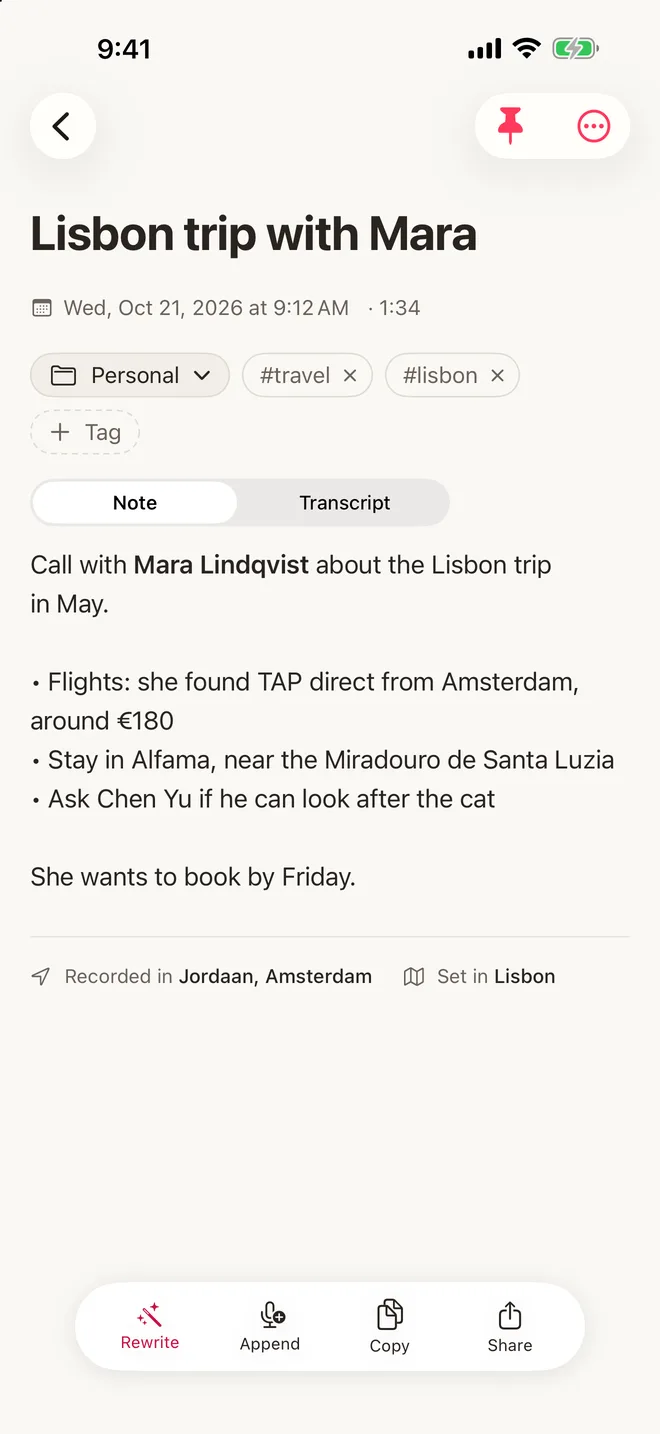
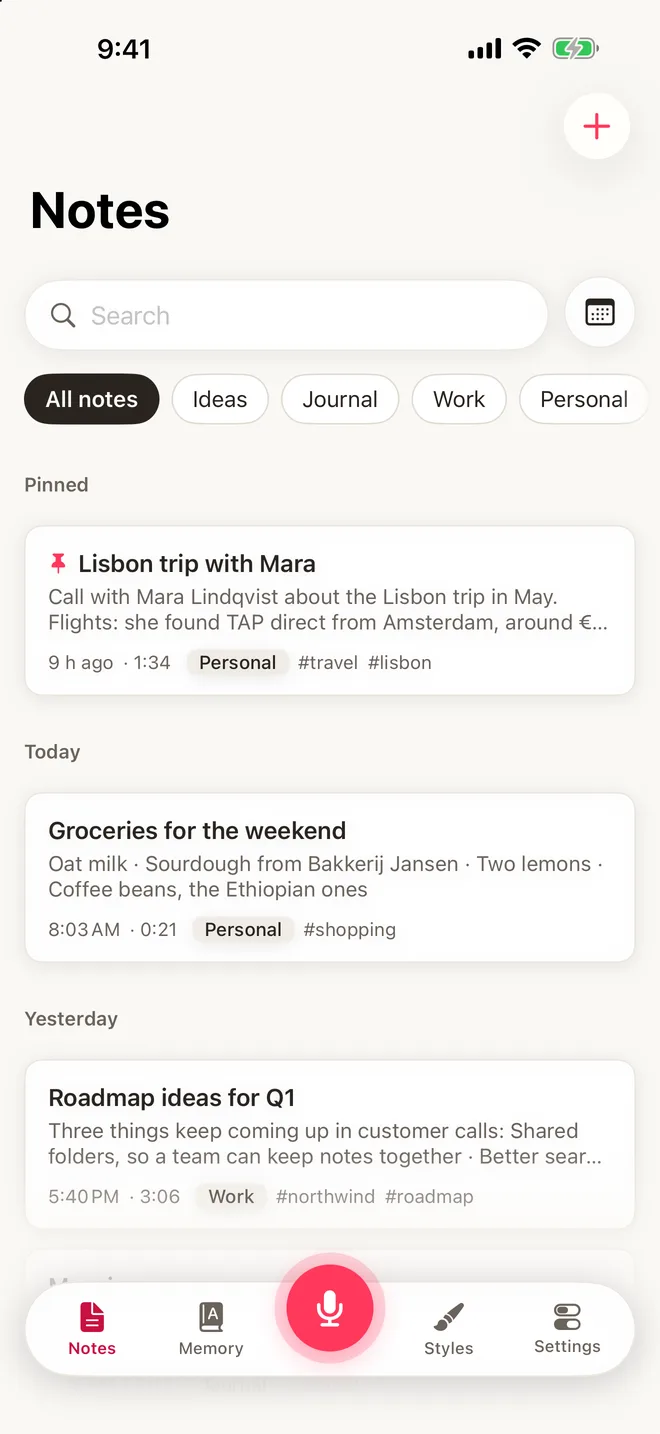
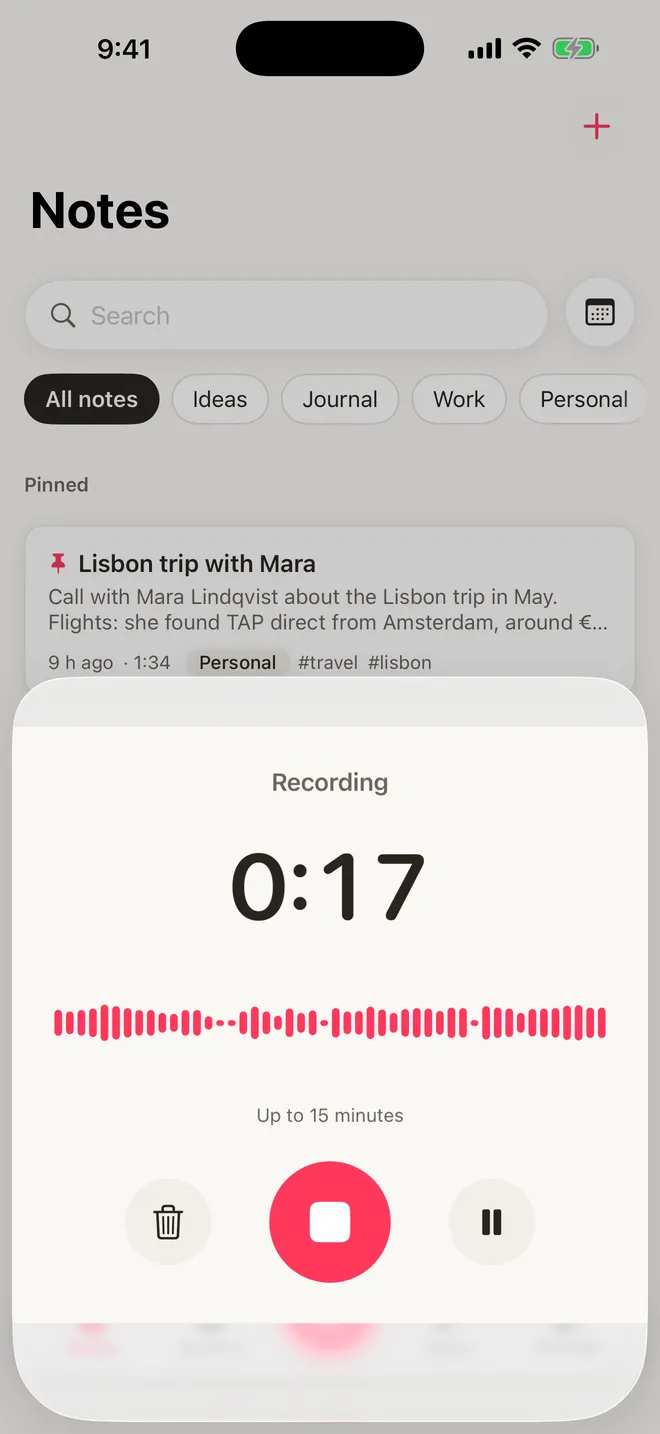
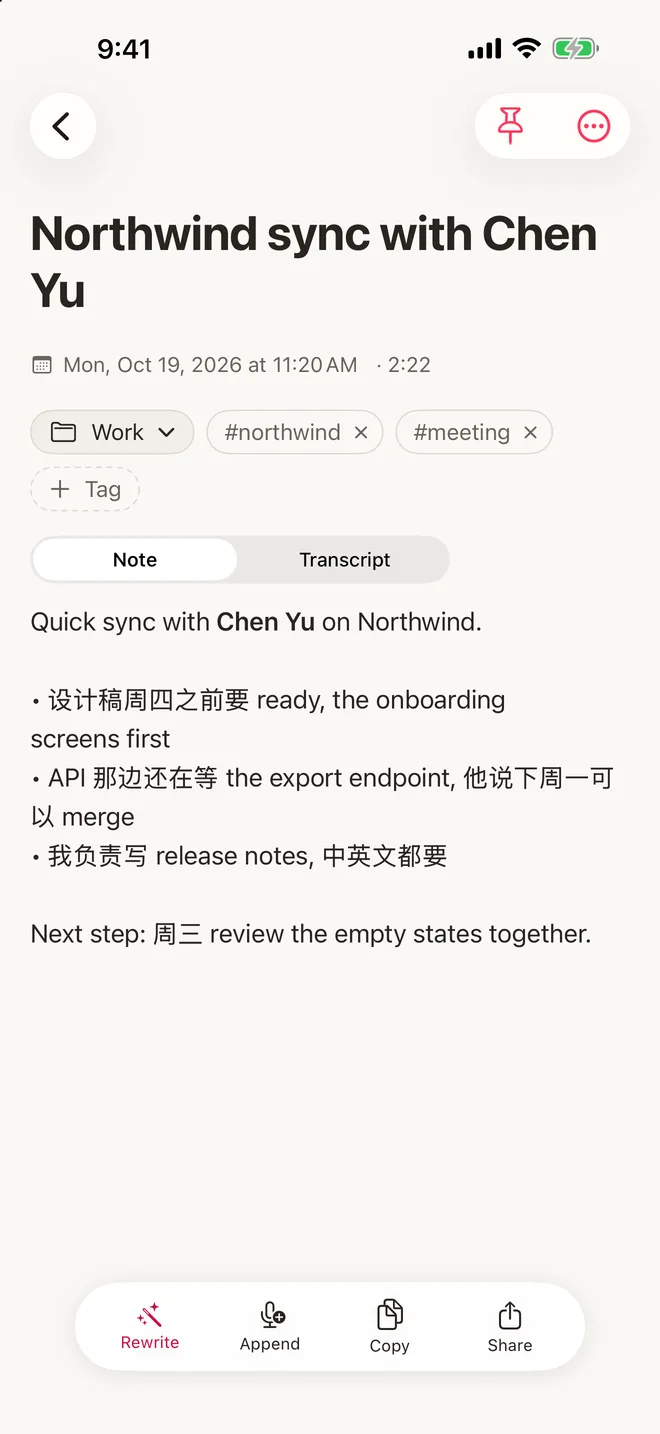
Thinkdown does all four steps when you stop recording. You tap and talk. It transcribes, keeps your corrections, turns to-dos into a checklist, and gives the note a title, a folder and a few tags.
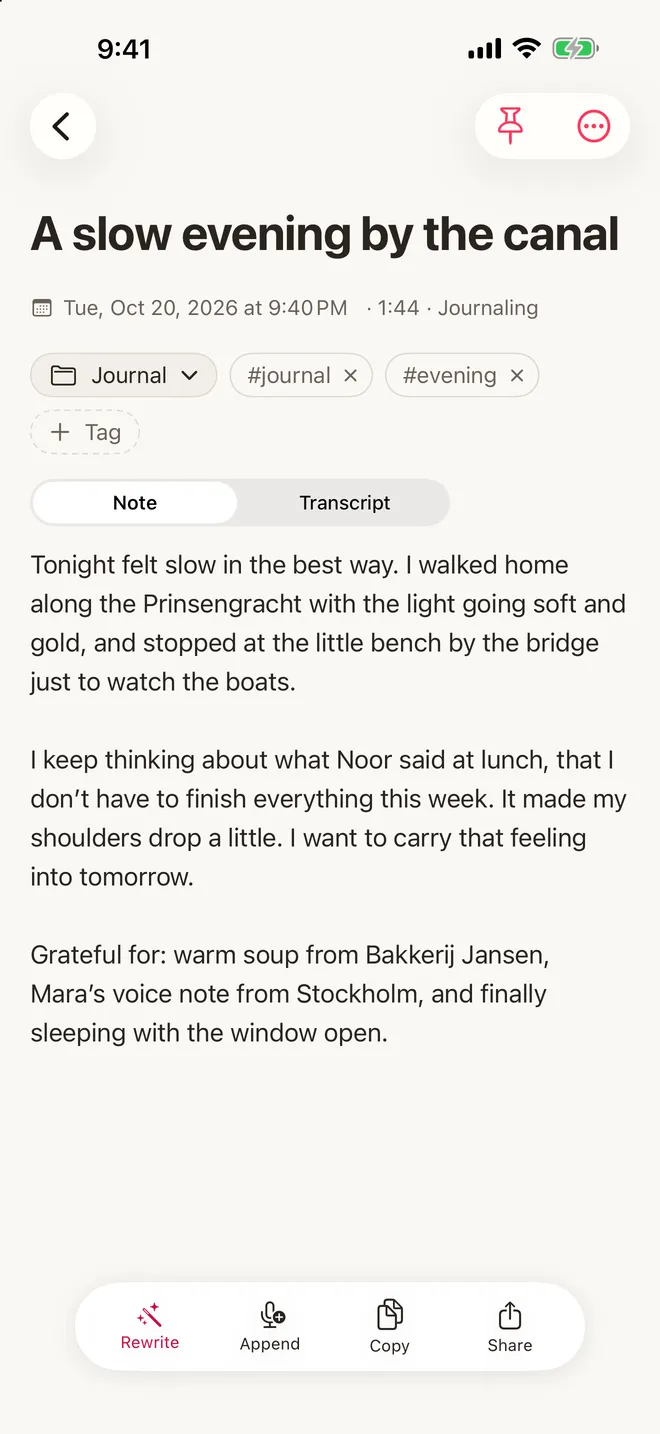
You pick the style: a clear note, a list, a journal entry or an email. If a name comes out wrong, fix it once and Thinkdown remembers it. The recording and transcript stay attached to the note, so nothing is lost.