Thinkdown
Dictation vs voice notes: which one to use when
Both turn speech into words, but they're built for different moments. One question tells you which to reach for.
Two ways to talk instead of type
Dictation and voice notes both turn speech into words, but they're built for different moments. Dictation replaces your keyboard: you speak into a text field and words appear as you go. A voice note captures a thought: you talk, stop, and get something back afterwards.
Picking the right one for the moment saves a lot of cleanup, and it takes about two seconds once you know the rule.
Dictation: speaking instead of typing
Dictation is built into your phone and computer. Tap the microphone on the keyboard and talk into a message, an email or a search box.
- Great for: short messages, replies, search, filling in a form, anything where you already know the exact words.
- How to get the best out of it: say the sentence in your head first, then speak it in one go, and say punctuation out loud when you need it.
- Where it struggles: long, thinking-out-loud talk. Every um, restart and correction ends up on the page, and you fix it by hand.
Voice notes: capturing a thought
A voice note app records you, then turns what you said into a note. The best ones don't just transcribe: they write up what you meant.
- Great for: ideas on a walk, a recap after a call, planning out loud, journaling, anything where you're working out what you think as you talk.
- How to get the best out of it: don't prepare. Ramble, correct yourself, go back. That's what the app is for.
- Where it struggles: typing into another app's text field. A voice note lives in its own app until you copy or share it.
A simple rule
Ask yourself one question: do I already know what I want to say?
- Yes: dictate. You're just skipping the typing.
- Not yet: record a voice note. You're thinking, and the app does the writing.
- A reply or a searchDictate
- A few clear sentencesDictate, or a quick voice note
- Thinking it throughVoice note
What about transcription?
Transcription sits in between: it records you and writes down every word, in order. It's the right choice when you need the exact record, like an interview quote. For the difference between all three, see dictation vs transcription vs an AI note.
Common mistakes
- Dictating a brainstorm into a document. You end up with one long paragraph of half-sentences and spend longer cleaning it than the thinking took. Record a voice note instead and let the app write it up.
- Recording a voice note for a one-line reply. "Running ten minutes late" doesn't need a note, a title and a recording. Dictate it straight into the message.
- Trying to talk "properly" into a voice note. Rehearsing every sentence defeats the point. Say it the way it comes; restarts and corrections are fine.
- Never rereading. A voice note only pays off if you come back to it. Skim the day's notes in the evening and tick off the to-dos.
- Keeping everything in one place. Dictated text belongs where it was going: the email, the chat, the form. Voice notes belong in your notes, where you can search them later.
Using both
Most people who talk a lot end up using both. Dictation for the quick reply on the go, a voice note app for the walk home when an idea won't let go. The trick is not to force one into the other's job: dictating a ten-minute brainstorm into a text field gives you a wall of text, and recording a voice note to reply "on my way" is overkill.
Voice notes in Thinkdown
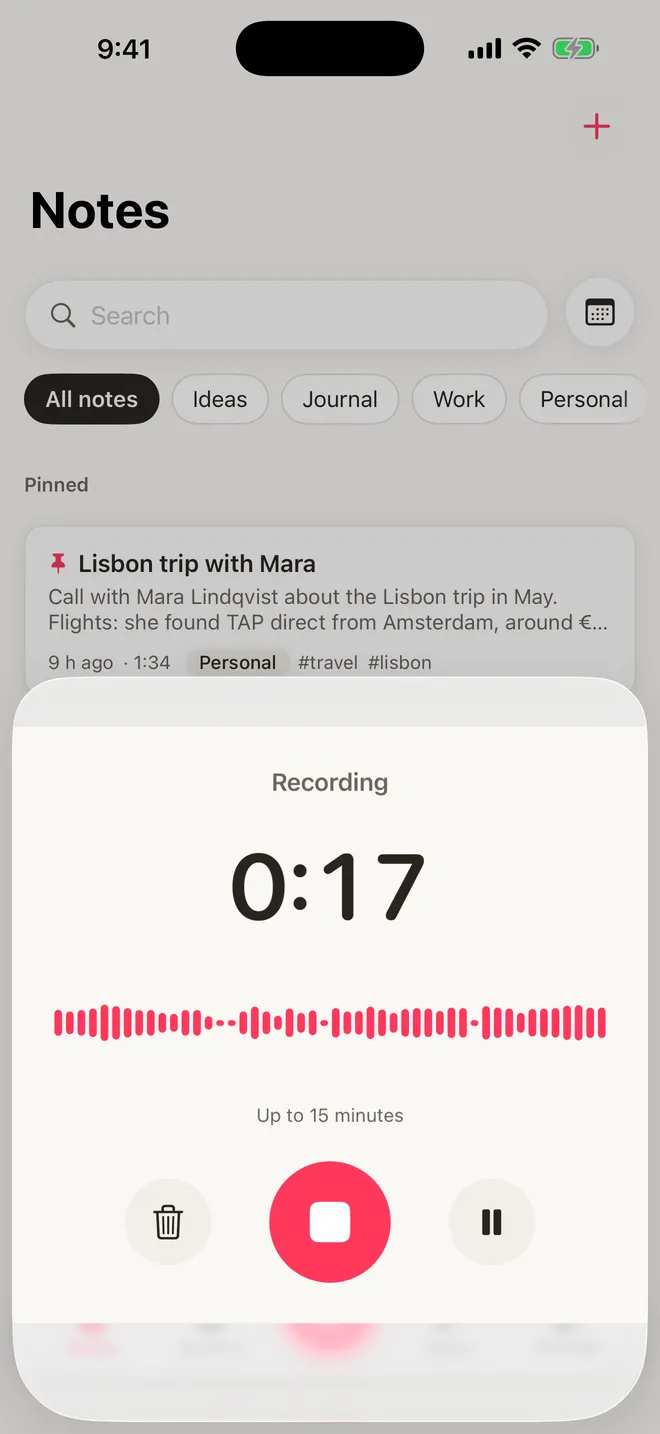
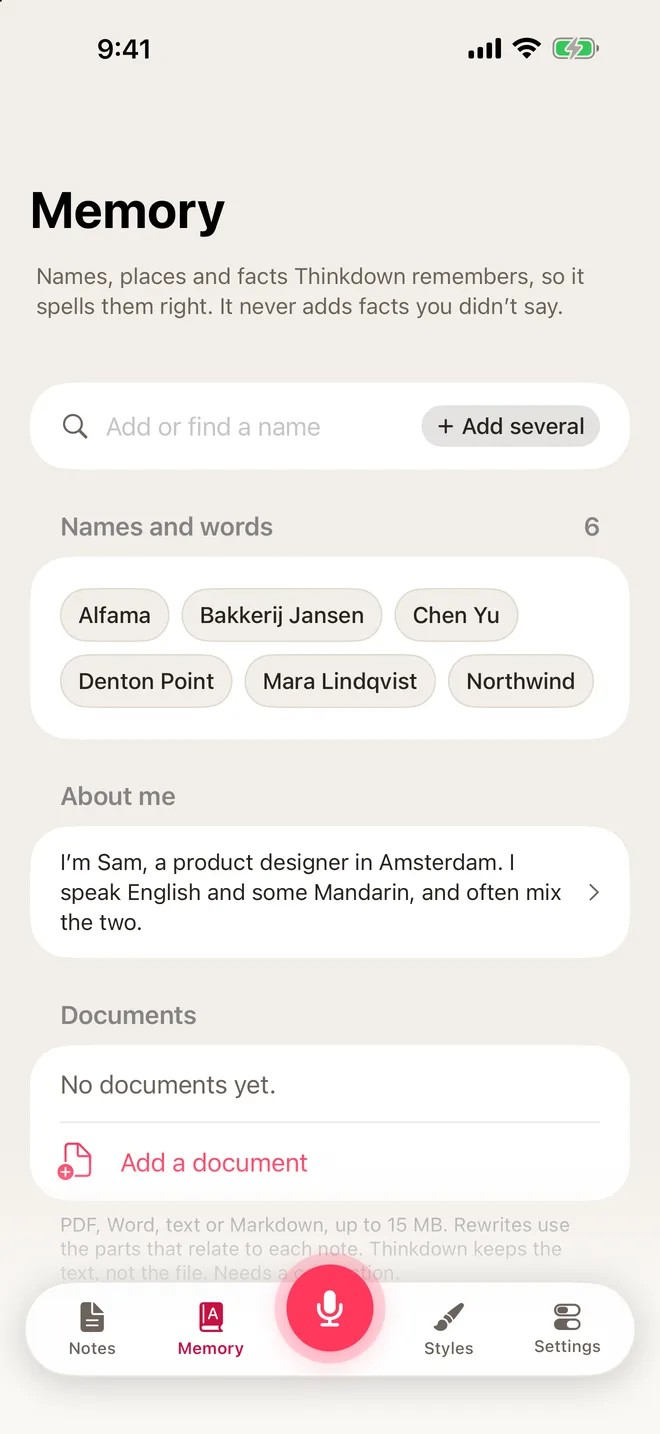
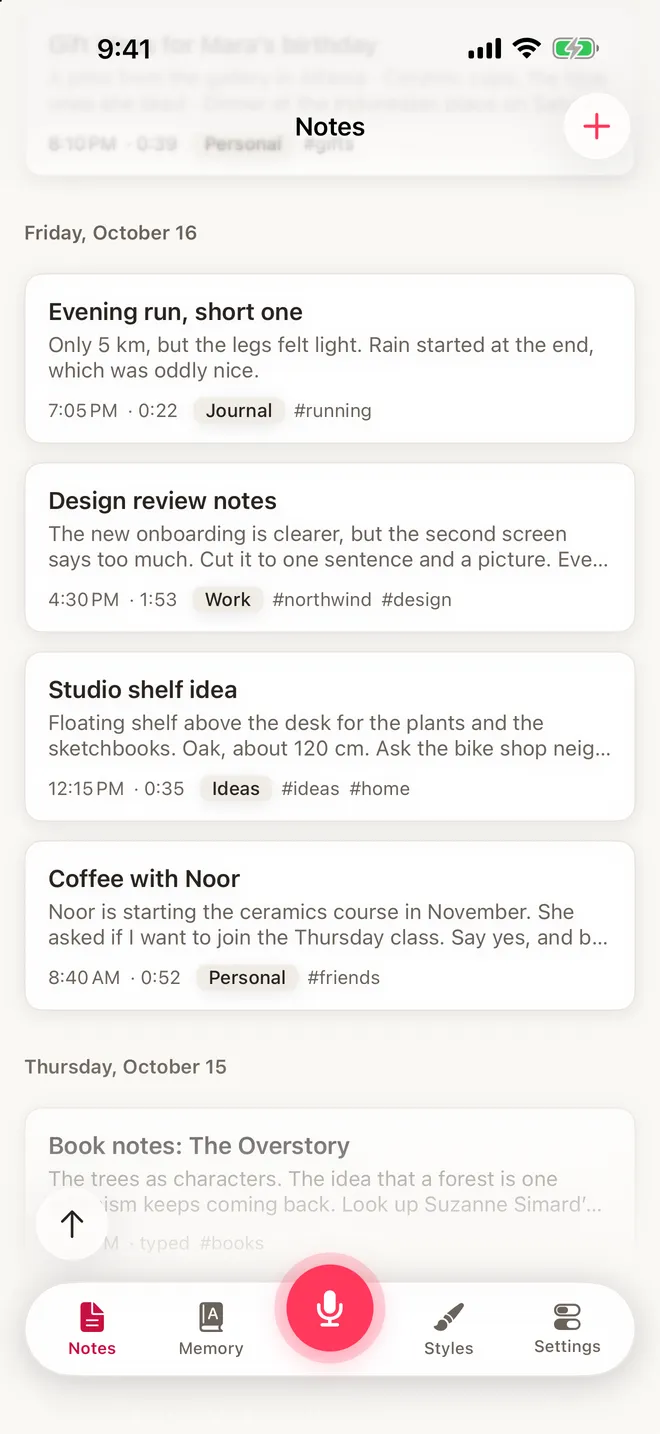
Thinkdown is the voice notes side of the pair. Tap and talk on iPhone, iPad, Mac, Apple Watch or the web, and you get a titled note in your own words: fillers gone, corrections kept, to-dos as a checklist, names spelled right. The recording and transcript stay with every note.
When you need the words somewhere else, copy the note or share it to any app, or rewrite it as an email or a list first.