Thinkdown
Dictation vs transcription vs an AI note: what's the difference
Dictation, transcription and AI notes all turn speech into text. They do very different jobs. Here's what each one is for, with the same example run through all three.
Three tools that sound the same
Dictation, transcription and AI notes all turn speech into text. They're built for different jobs, and picking the wrong one is why so much spoken text ends up unread.
Here's a plain comparison, using the same forty seconds of speech for each.
Here is what Marcus said after a call:
“Okay so, um, quick recap of the call with Hana. They want to launch on the 14th, no actually the 21st. Budget is like forty, no, forty-five thousand. I'll send the deck to Jun by Thursday.”
Dictation: your words, typed as you speak
Dictation is voice typing. The microphone key on your keyboard, or the dictate button in a document. You speak, words appear where your cursor is.
- Good for: short messages, search boxes, filling in a form. Anything where you already know the exact words.
- Not good for: thinking out loud. Every um, restart and "no, actually" ends up on the page. You get to clean it up by hand.
Transcription: every word of a recording
Transcription turns a recording into a full text. It's what you want for interviews, lectures and meetings with several people, where the exact words matter.
- Good for: a faithful record. Quotes, legal notes, research interviews, subtitles.
- Not good for: rereading. A twenty-minute call becomes a wall of text. Some tools add a summary on top, usually written about you ("The speaker discussed…"), not by you.
AI notes: what you meant, written up
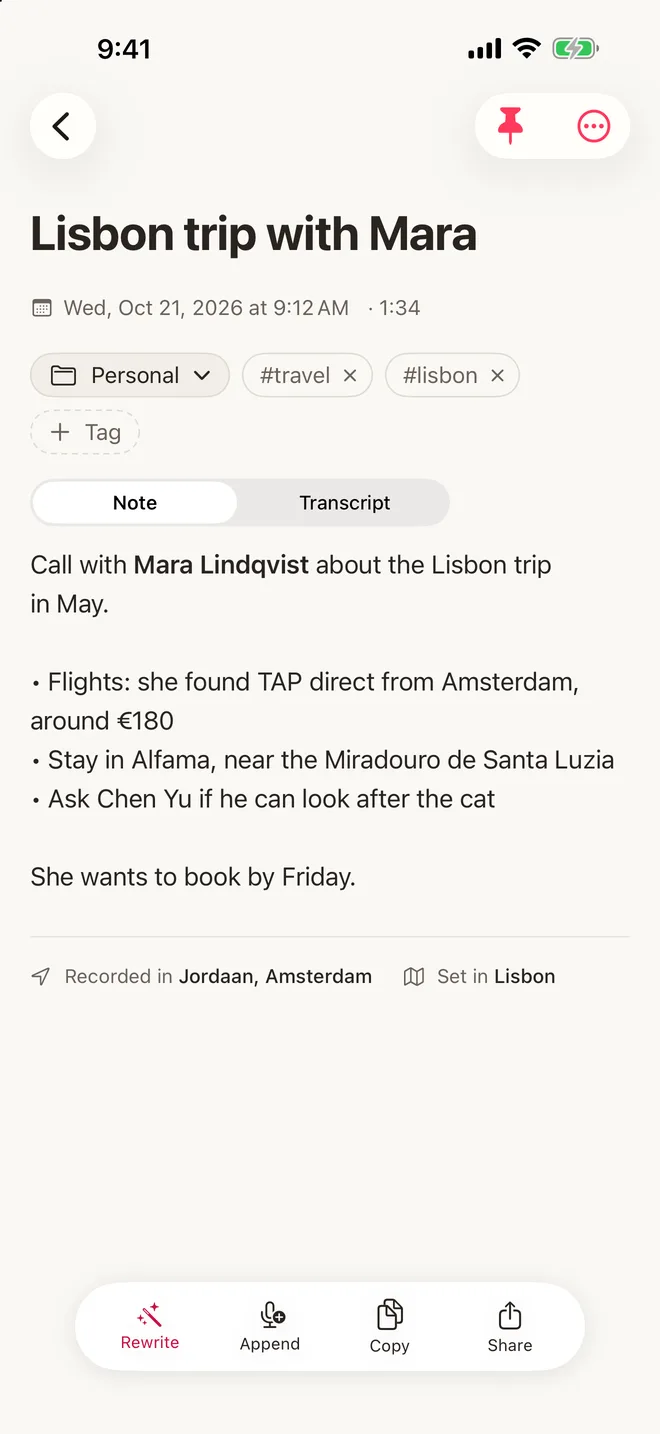
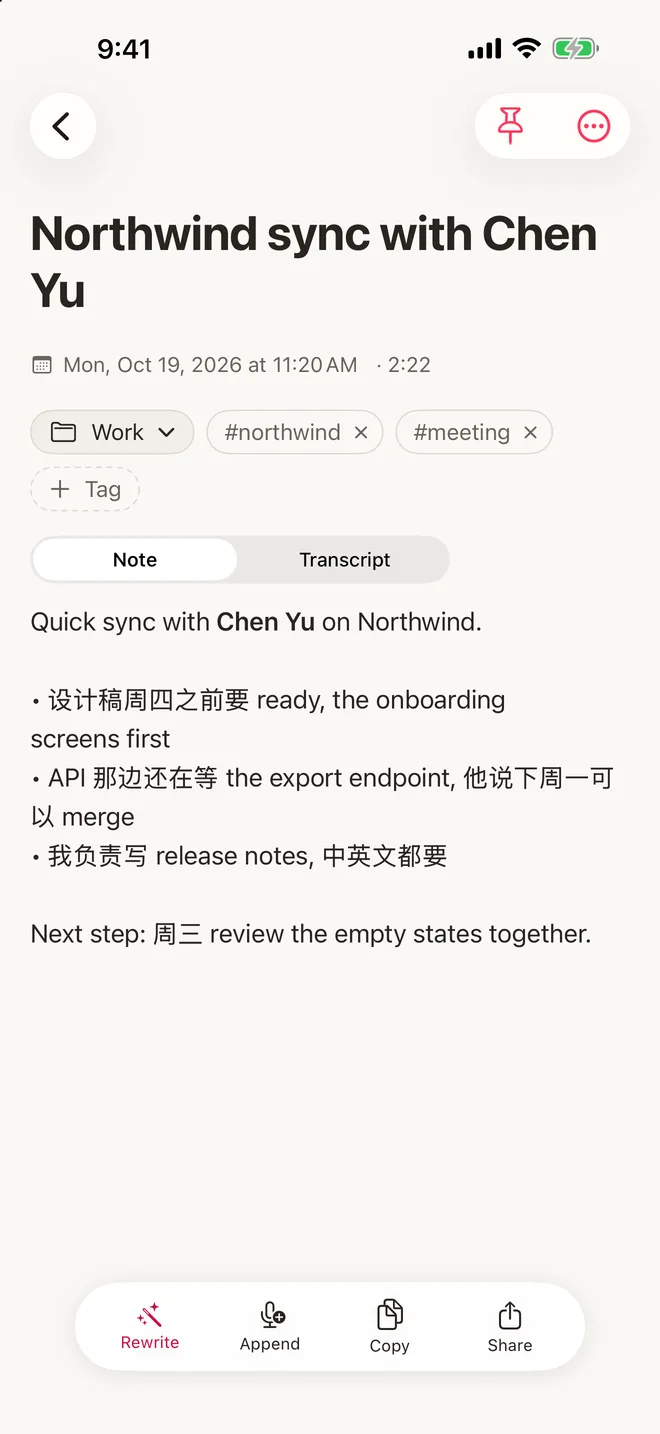
An AI note starts with a transcript, then rewrites it into something you'd have written yourself. It keeps your corrections, drops the fillers, and gives the result a title.
- Good for: your own thoughts. Ideas, journal entries, recaps, to-do lists, drafts of emails.
- Not good for: anything where you need every word on the record. Use transcription for that, and keep the recording.
What about pasting into a chatbot?
You can get close to an AI note by pasting a transcript into a chatbot and asking it to clean up. It works. It's also four steps: record, transcribe, write a prompt, paste the result somewhere you'll find it.
Two more catches. Chatbots don't know your names, so "Jun" might come back as "June". And they tend to summarize instead of keeping your voice, which matters for journals and drafts.
Which one should you use?
- Know the exact words?Use dictation
- Need every word on record?Use transcription
- Thinking out loud?Use an AI note
- Texting a friend: dictation.
- Recording a research interview: transcription.
- Recapping your own call, journaling, or catching an idea: an AI note.
Most people need more than one. The mistake is using dictation or transcription for thoughts you'll want to reread, then never rereading them.
What to look for in an AI note tool
- It keeps your voice. The note should sound like you wrote it, not like a report about you.
- It keeps your corrections. "The 14th, no, the 21st" should become "the 21st".
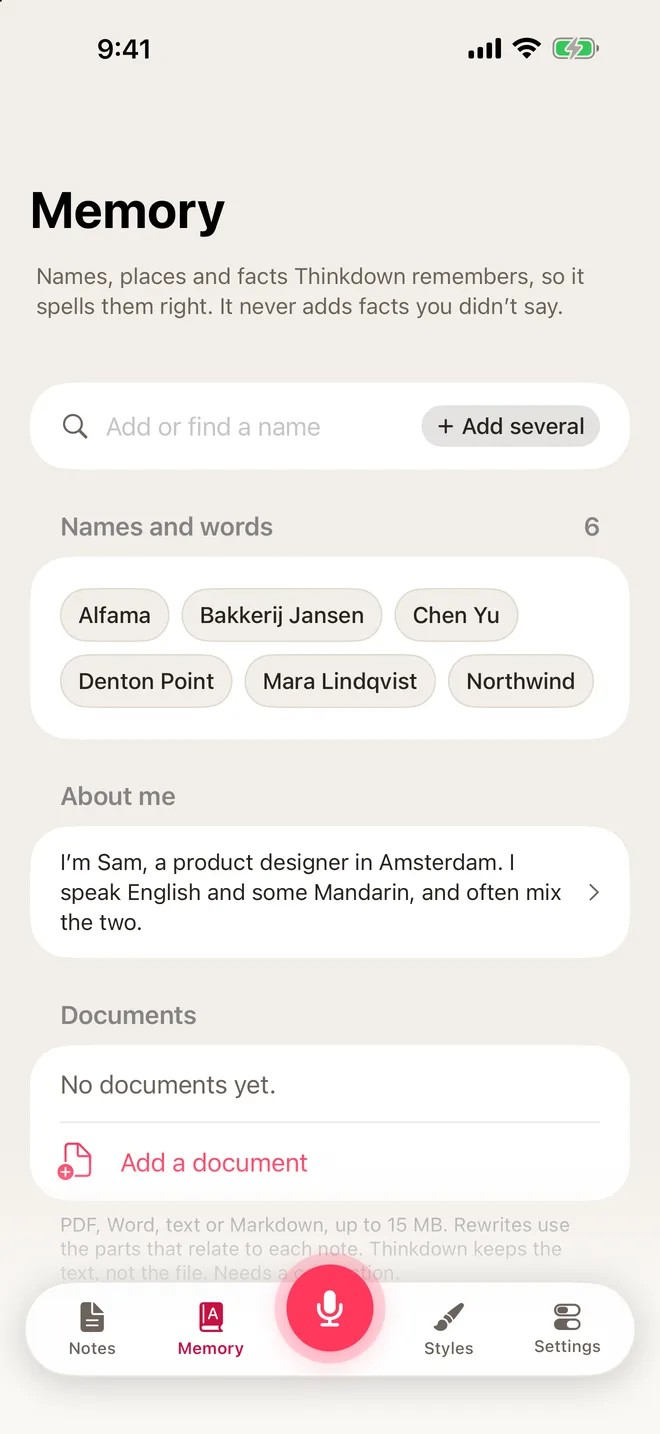
- It gets names right. Fix a name once, and it stays fixed.
- It keeps the recording. So you can check the original when it matters.
- It lets you pick the format. A list for a recap, an entry for a journal, an email when you need one.
Doing it with Thinkdown
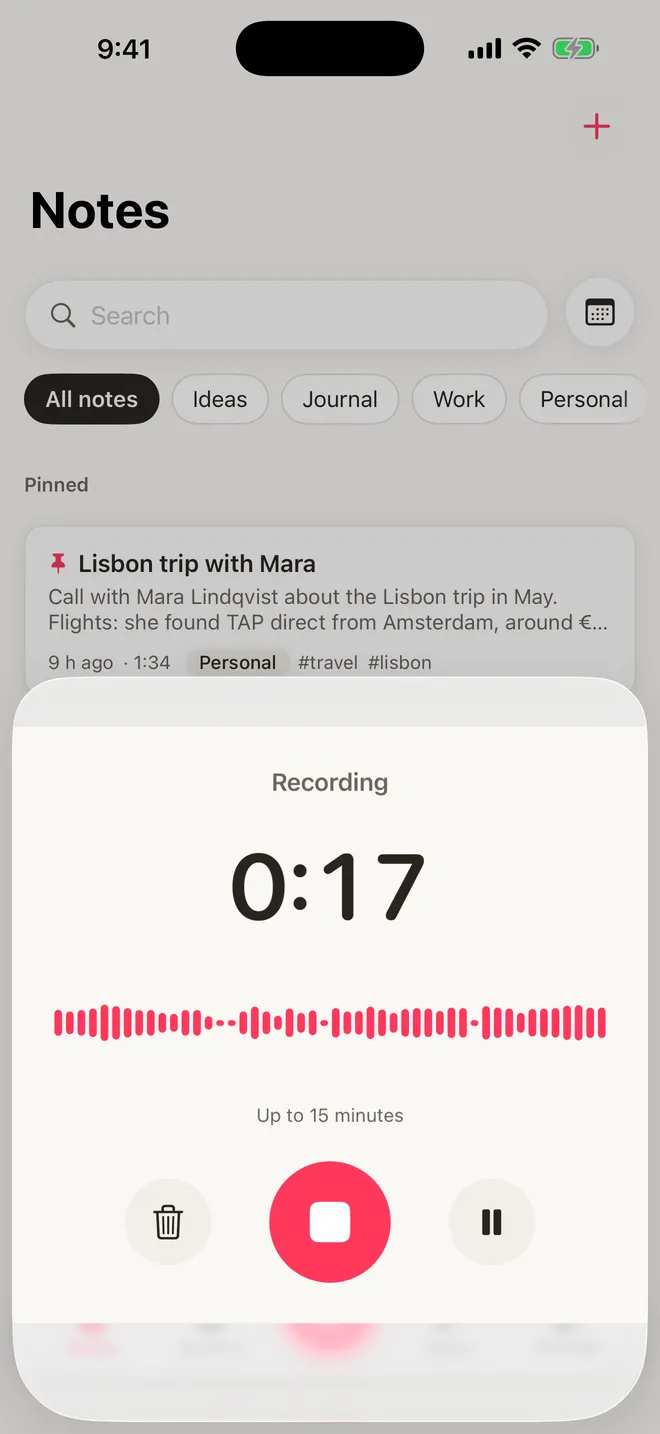
Thinkdown makes AI notes. Tap and talk, and you get a clean, titled note in your own words, in the style you pick: a clear note, a list, a journal entry or an email. Names you've taught it stay spelled right.
The transcript and the recording stay with every note, so you have the exact words too when you need them.