Thinkdown
An Apple Notes dictation alternative for people who talk a lot
Apple Notes is great, and its dictation works. But if you talk the way you think, you get every um and both versions of every correction. Here's when it's enough and what to use when it isn't.
What Apple Notes does well
Apple Notes is a great notes app. It's already on your iPhone, it syncs with iCloud, and it's fast. For typed notes, lists and quick checklists, it's hard to beat.
Dictation works too. Tap the microphone on the keyboard and talk, and your words appear in the note. On recent iPhones, Notes can also record audio and show a transcript alongside it.
So if you only need a few words at a time, you may not need anything else.
Where dictation into Notes falls short
The trouble starts when you talk the way you think: longer, messier, with corrections.
- You get every word. Ums, restarts and "no, actually" all end up in the note. Cleaning it up means editing by hand.
- Your corrections don't win. Say "the 14th, no, the 21st" and both dates stay in the text.
- Names get guessed. Unusual names come out differently each time, so searching for a person later misses notes.
- No title, no filing. You still have to name the note, sort it and pull out the to-dos.
- A transcript isn't a note. A recording with a transcript is a good record, but it's still a wall of text to reread.
What to look for in an alternative
If you dictate a lot, these are the things that make the difference:
- It writes up what you meant. Fillers gone, your corrections kept, in your own words rather than a summary about you.
- It gives the note a title and puts the to-dos in a checklist.
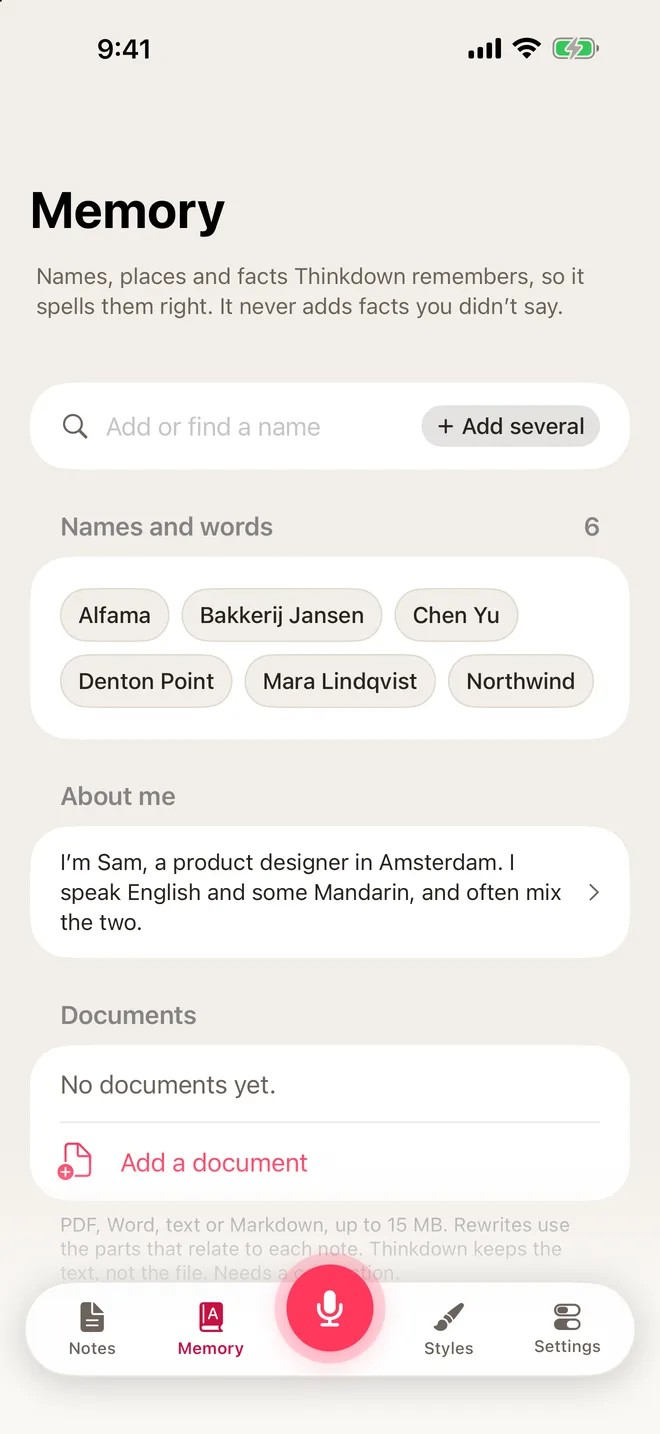
- It learns your names. Fix a name once and it stays fixed.
- It keeps the recording and transcript, so you can check the exact words.
- It works everywhere you are. iPhone, iPad, Mac, your watch, and a browser on a work computer.
- You can get your notes out. Export matters if you ever want to move them back into Notes or elsewhere.
Use both
You don't have to leave Apple Notes. Many people keep it for typed lists and shopping, and use a voice-first app for anything they'd rather say than type: journal entries, ideas, call recaps, planning out loud.
A simple split:
- Apple Notes: a grocery list, a Wi-Fi password, a quick typed note.
- A voice notes app: anything longer than a sentence that you'd rather say out loud.
- A few words?Keyboard dictation is fine
- Need the exact record?Record with a transcript
- Thinking out loud?Use a voice notes app
Doing it with Thinkdown
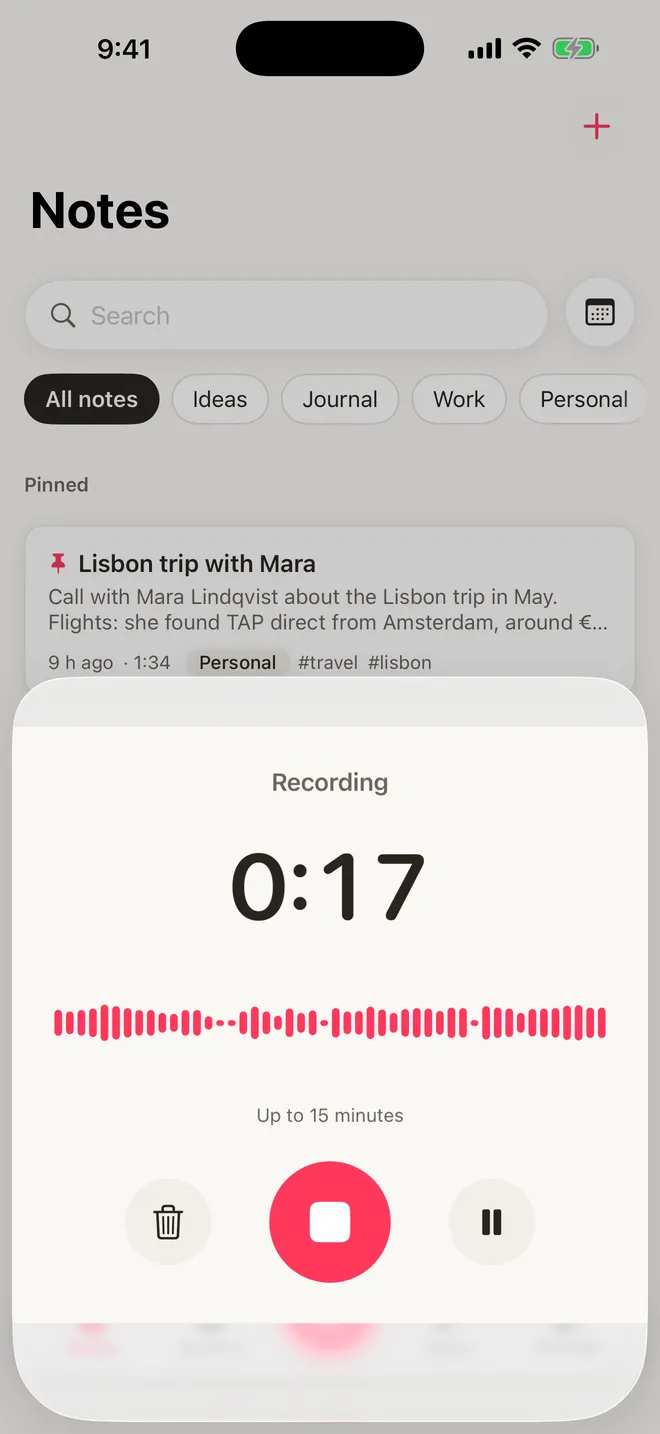
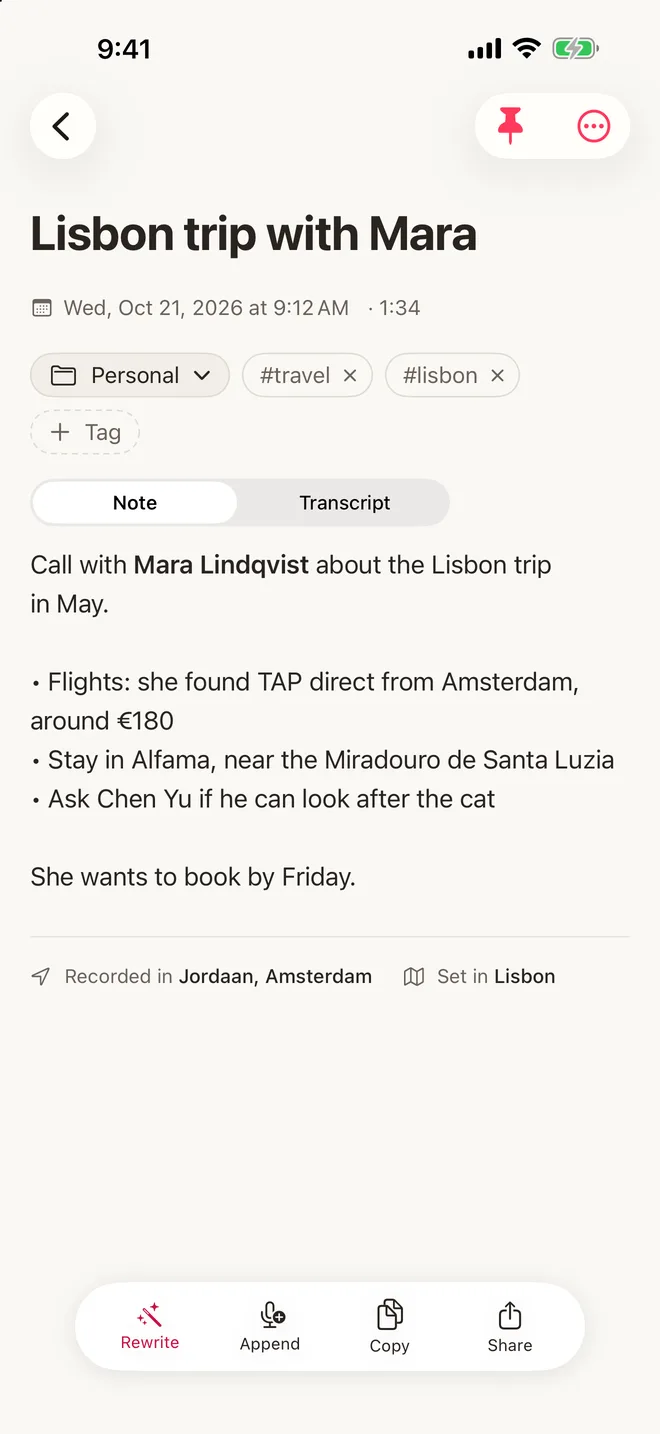
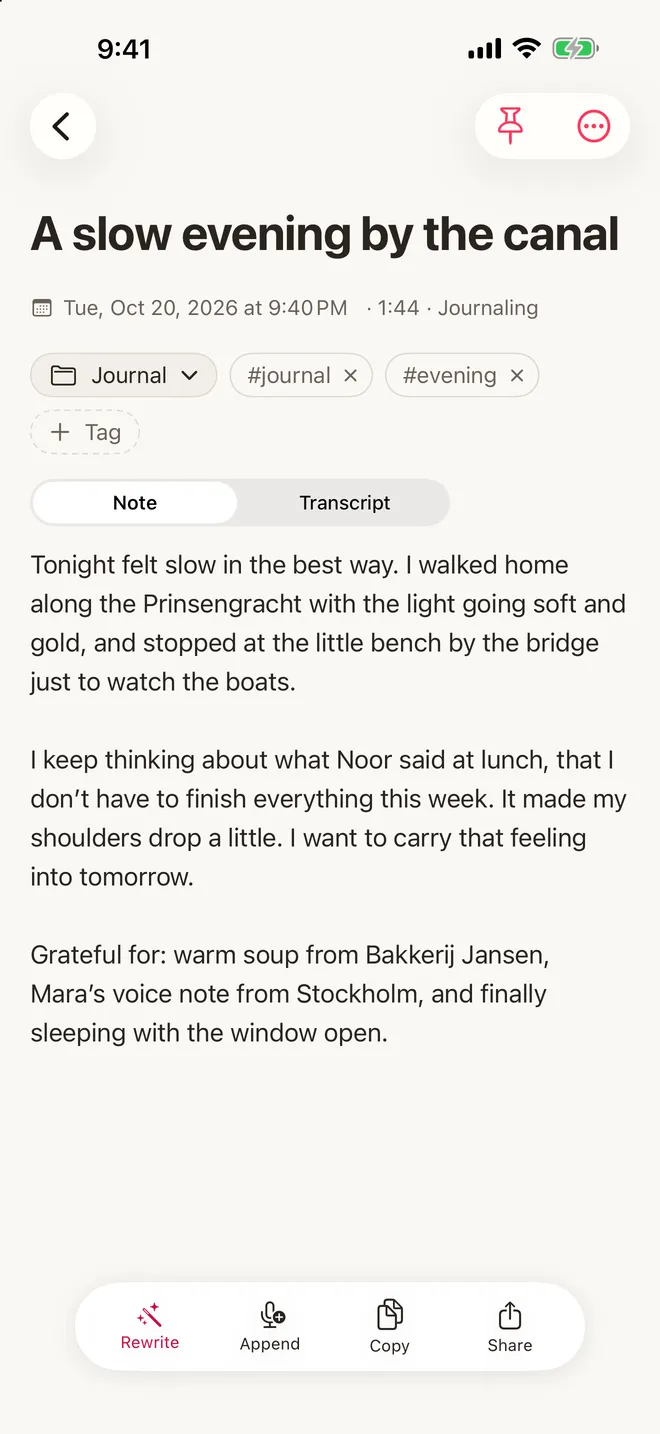
Thinkdown is a notes and journal app you can talk to. Tap and talk on iPhone, iPad, Mac, Apple Watch or the web. When you stop, you get a clean, titled note in your words, with to-dos as a checklist and names spelled right.
The recording and transcript stay with every note, you can rewrite a note as a list, a journal entry or an email, and you can ask your notes questions later. You can export your notes any time.