Thinkdown
Best dictation apps that remove filler words (2026)
Built-in dictation types every um, uh and restart. These apps don't. The real choice is whether you want a voice keyboard or a voice notes app.
Thinkdown is our app. We list it first and say so. Everything about the other apps comes from their own websites, linked under each one, and we say where they do better.
Two kinds of app
Apps that take the ums out of dictation come in two shapes, and picking the right shape matters more than picking the brand.
- Voice keyboards type cleaned-up words straight into whatever app you're in: email, chat, a document. Best when you know what you want to say.
- Voice notes apps record you, then write up what you meant as a note you can copy anywhere. Best when you're thinking out loud and correcting yourself as you go.
We checked each app's own website and help pages on 14 November 2026. Features and limits change, so check the links before you decide.
| App | Shape | Removes ums | Works on |
|---|---|---|---|
| Thinkdown Our app | Voice notes | Yes, and keeps your corrections | iPhone, iPad, Mac, Apple Watch, web |
| Wispr Flow | Voice keyboard | Yes | Mac, Windows, iPhone and more |
| VoiceInk | Voice keyboard | Yes (um, uh and similar) | Mac |
| Apple Dictation (built in) | Keyboard | No, it types what it hears | iPhone, iPad, Mac |
1. Thinkdown (our app)
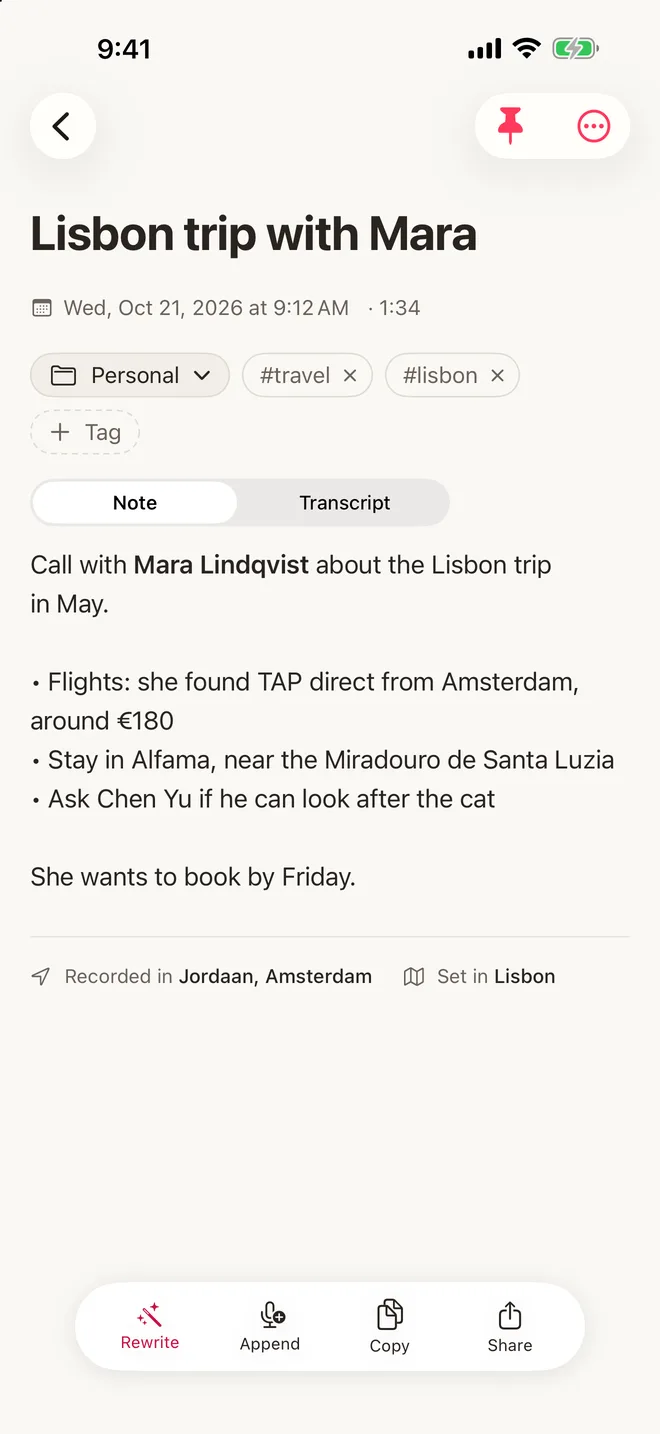
Thinkdown is the app we make, so weigh this part accordingly. It's a voice notes app: tap record, talk the way you think, and get a titled note in your own words.
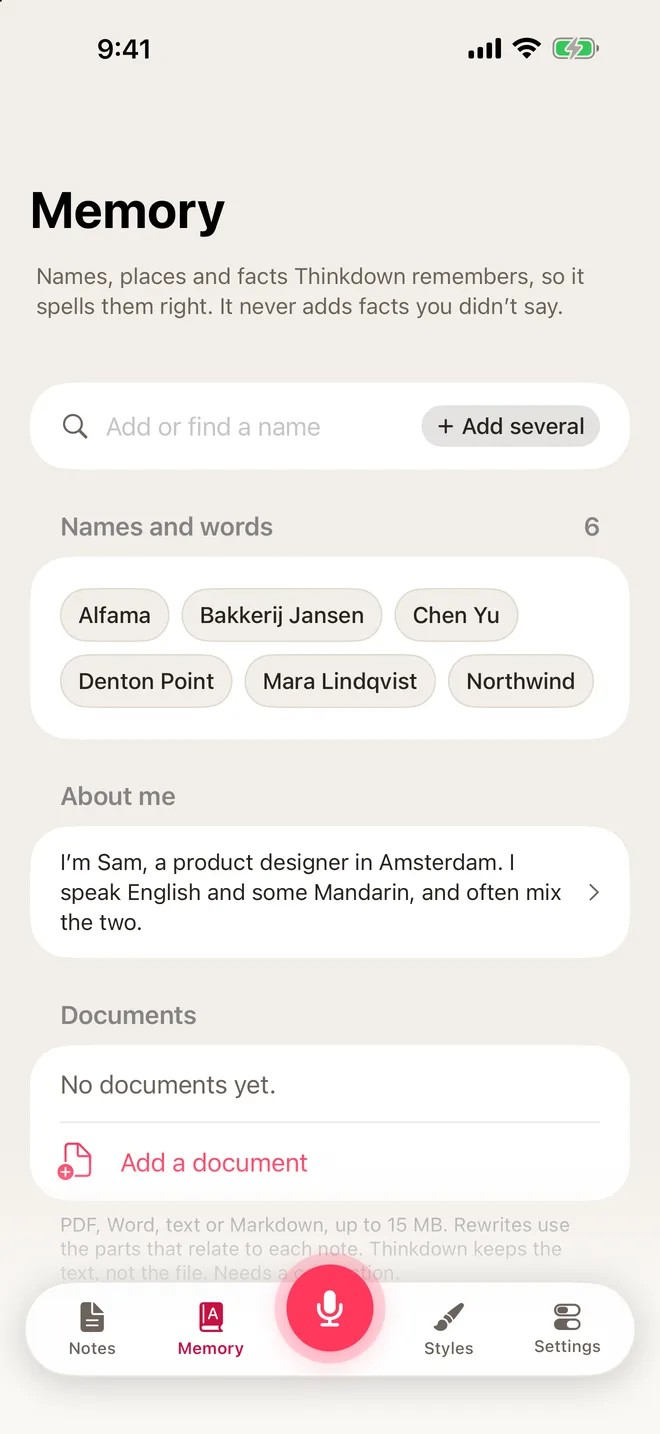
It does more than strip ums. Say "Tuesday, no, Monday" and the note says Monday. Restarts and false starts go. Names come out the way you taught them, and every fix is listed under the note, so you can see exactly what changed. The recording and transcript stay with each note.
- Good: handles long, messy thinking out loud, not just short replies. Rewrite a note as an email, a list or your own style.
- Good: one account on iPhone, iPad, Mac, Apple Watch and any browser.
- Watch out: it isn't a keyboard. Your words land in a note first; you copy or share them to the email or chat.
There's a free plan to try it. Dictation without the ums in Thinkdown.
2. Wispr Flow
Wispr Flow is a voice keyboard: hold a key or tap, talk, and cleaned-up text appears in the app you're using. Its makers say it removes filler words, adds punctuation and formats your writing, in more than 100 languages.
- Good: works inside any app, on Mac, Windows and iPhone. Great for email and chat all day.
- Watch out: the free plan has a weekly word limit; unlimited use is a subscription. It's for typing, not for keeping notes.
Source: Wispr Flow, pricing.
3. VoiceInk
VoiceInk is a Mac dictation app that types into any app. It removes common hesitation sounds (uh, um, hmm) and lets you add your own words to the list. Its code is open source, and the ready-made app is a one-time purchase.
- Good: Mac-native, no subscription, can run on your own Mac.
- Watch out: Mac only. It removes filler sounds; it doesn't rewrite your corrections ("the 14th, no, the 21st" keeps both).
Source: VoiceInk filler words, pricing.
4. Apple Dictation (built in)
Tap the microphone on the keyboard and talk. It's free, fast and on every iPhone, iPad and Mac, and in many languages it runs on the device and adds punctuation for you.
- Good: nothing to install, works everywhere you can type.
- Watch out: it types what it hears. Ums, restarts and both halves of every correction stay in the text, so long dictation needs editing.
Source: Dictate text on iPhone.
Common questions
Does iPhone dictation remove um and uh?
Not on its own. Built-in dictation types what it hears, adds punctuation in many languages, and leaves fillers and restarts for you to delete. To skip that step you need an app that cleans up the text for you.
Will removing fillers change what I meant?
It can, if an app is too aggressive. Words like "like" or "right" sometimes carry meaning. Look for an app that shows you what it changed, or keeps the original transcript so you can check.
Is a voice keyboard or a notes app better for long thoughts?
A notes app. A keyboard drops your words into a text box as you go, so a ten-minute ramble becomes a long paragraph. A notes app waits until you stop, then writes up what you meant.
Which one should you pick?
- You know the words and want them in another app: a voice keyboard. Wispr Flow across devices, VoiceInk on a Mac.
- You're thinking out loud and want a clean note: Thinkdown.
- A few words at a time: built-in dictation is fine.
Many people use two: a keyboard for quick replies, a notes app for the walk home. For more on the difference, see dictation vs voice notes.