Thinkdown
How to choose a voice journal app: 8 things to check
Most voice journals get abandoned, and the app is usually why. Here are eight things to check before you commit to one, and a three-day test to settle it.
Why the app matters more than you'd think
Most people who start a voice journal stop within a few weeks. It's rarely because talking is hard. It's because what they recorded turns into a pile of audio files they never play back. A good voice journal app fixes exactly that: it makes the entry easy to start and worth rereading.
Here are eight things to check before you commit to one.
1. It gives you text you'd want to reread
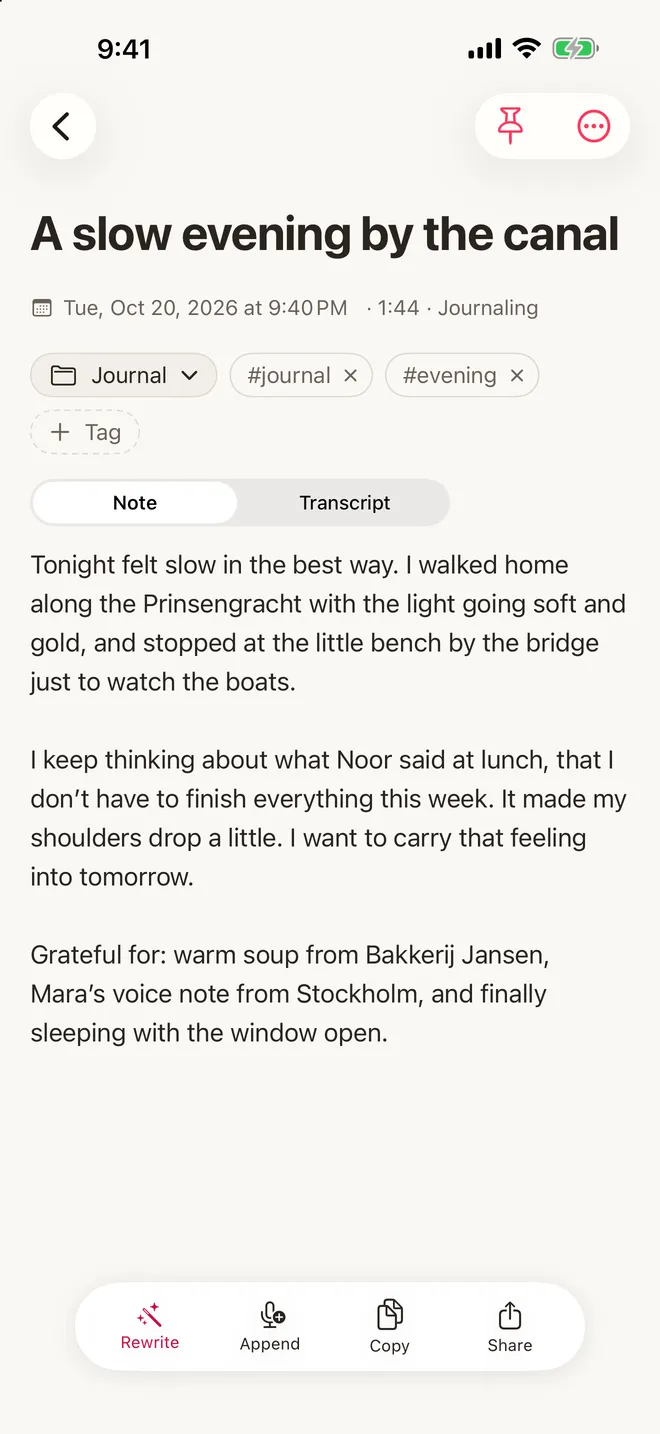
Audio is easy to record and hard to revisit. A plain transcript is better, but it keeps every um, restart and "wait, no". Look for an app that writes the entry up in your own words: fillers gone, your corrections kept, still sounding like you rather than a summary about you.
2. Starting an entry takes one tap
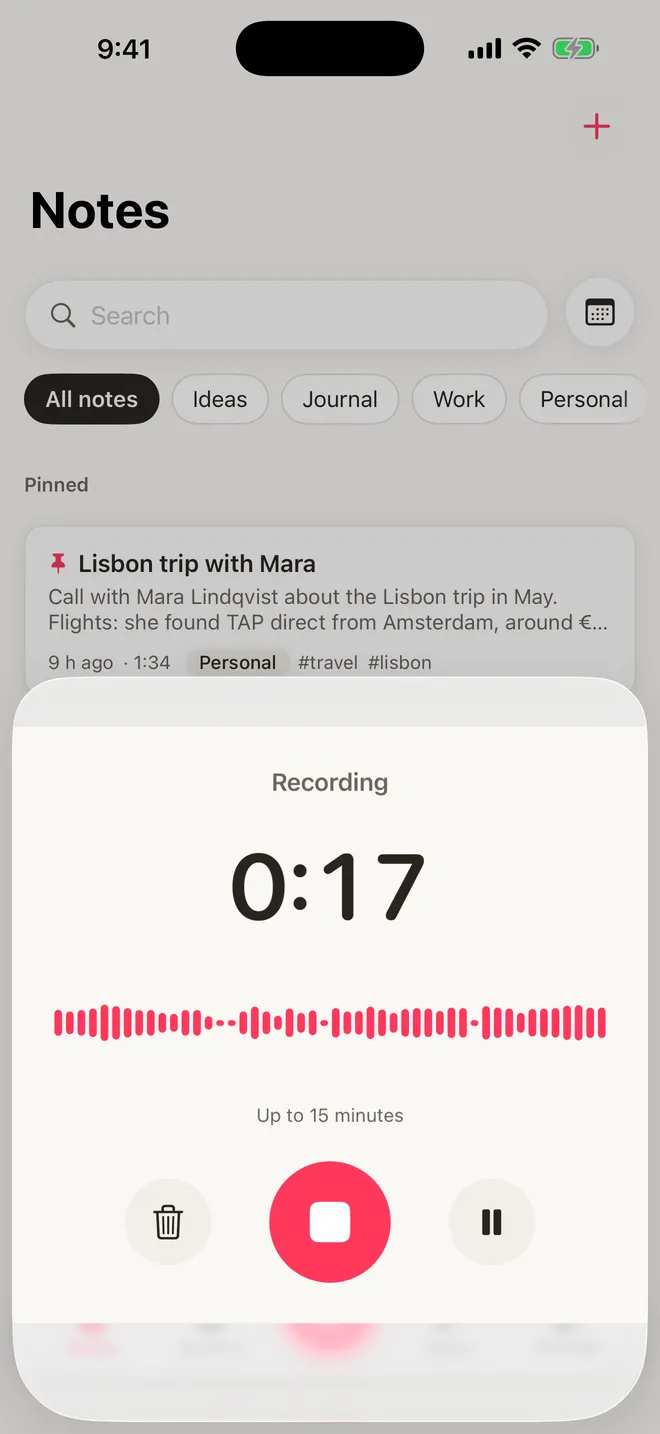
The best time to journal is whenever the thought shows up, which is rarely when you're sitting down. Check how many steps it takes to start recording: from the Home Screen, the Lock Screen, your watch, or a browser tab at work. The fewer, the more entries you'll actually make.
3. It keeps the recording
Your voice carries things text can't: the laugh, the pause, the tone. Choose an app that keeps the original recording and transcript with each entry, so you can always hear or check exactly what you said.
4. It gets your names right
A journal is full of people and places. If the app spells your sister's name three different ways, searching for her later misses half the entries. Look for one you can teach: fix a name once and it stays fixed.
5. Entries are dated and easy to find
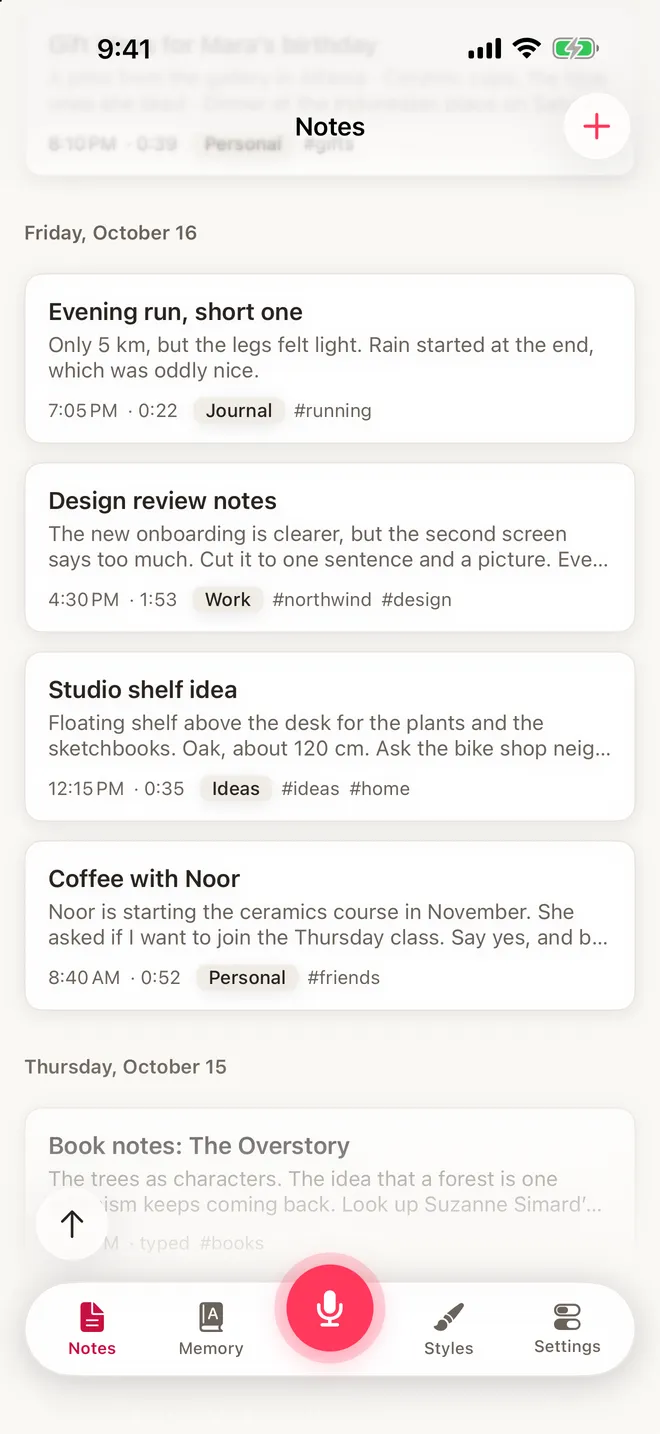
Rereading is the point of a journal. Check that entries sit on the day you made them, that there's a calendar to jump around in, and that search works on the words you'd actually type. Being able to ask your journal a question ("when did I last see Theo?") is a big step up from scrolling.
6. It nudges you back, gently
Habits need small cues. Useful ones: a daily reminder at a time you pick, a quiet streak count, a look back at last week, or an older entry from this day last year. Pushy ones you'll turn off. Make sure every nudge can be switched off.
7. It's private, and you can leave
Read the privacy page before you pour your life into an app. Check whether you can lock it behind Face ID or a passcode, and whether you can export every entry in a format another journal app can import. If you can't take your journal with you, think twice.
8. It speaks your languages
If you think in more than one language, check that the app handles both, even in the same sentence, and writes the entry in the language you choose.
- Easy to startOne tap, anywhere
- Worth rereadingClean entries, right names
- Easy to come back toDates, search, gentle nudges
A quick way to test one
Give any app a three-day trial before you decide. Each evening, talk for one minute about your day. On day three, reread all three entries. If you'd happily keep reading, you've found your app. If you skimmed, try another.
How Thinkdown does it
Thinkdown is a journal and notes app you talk to. Tap and talk on iPhone, iPad, Mac, Apple Watch or the web. You get a titled entry in your own words, with the recording and transcript kept, and names spelled the way you taught it.
A calendar and a writing streak help you come back, a weekly look-back and an "On this day" card bring older entries up, and you can ask your journal questions. App lock keeps it private on each device, and you can export every entry any time.