Thinkdown
Best Apple Watch apps for a voice journal (2026)
Your watch is the fastest way to start a journal entry. What happens to the recording afterwards is what decides whether you'll ever reread it.
Thinkdown is our app. We list it first and say so. Everything about the other apps comes from their own websites, linked under each one, and we say where they do better.
What we looked for
A watch is the fastest way to catch a thought: raise your wrist, tap, talk. But a journal only works if you come back to it. So we looked at four things:
- Starting is quick. One tap from the watch face, or a button you can reach without looking.
- It works without your phone. On a run or a walk, the recording should wait on the watch, not fail.
- You get text back. Audio you never replay isn't much of a journal. Text you can skim and search is.
- It ends up somewhere useful. Dated, next to your other entries, on your phone and computer.
We checked each app's own website and support pages on 14 November 2026. Features change, so check the links before you decide.
| App | Record on the watch | Text from watch recordings | Best for |
|---|---|---|---|
| Thinkdown Our app | Yes | A written-up entry, once your iPhone takes it | Entries you'll want to reread |
| Day One | Yes (paid plans) | No, not for watch audio | A full journal with photos and audio |
| Just Press Record | Yes | A transcript, made on the iPhone | Recordings with searchable transcripts |
| Voice Memos (built in) | Yes | A transcript on iPhone, in some languages | Free, nothing to install |
1. Thinkdown (our app)
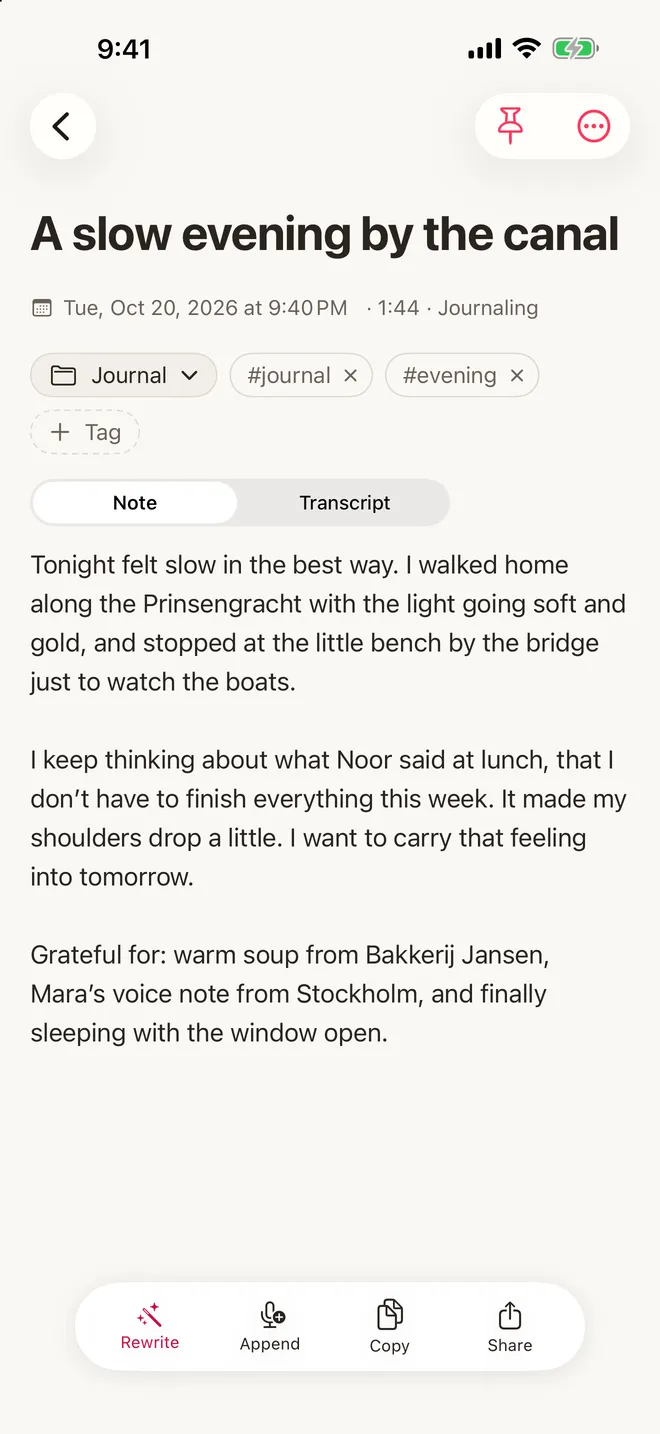
Thinkdown is the app we make, so read this part with that in mind. We built it for exactly this: talk on your wrist, read a clean entry later.
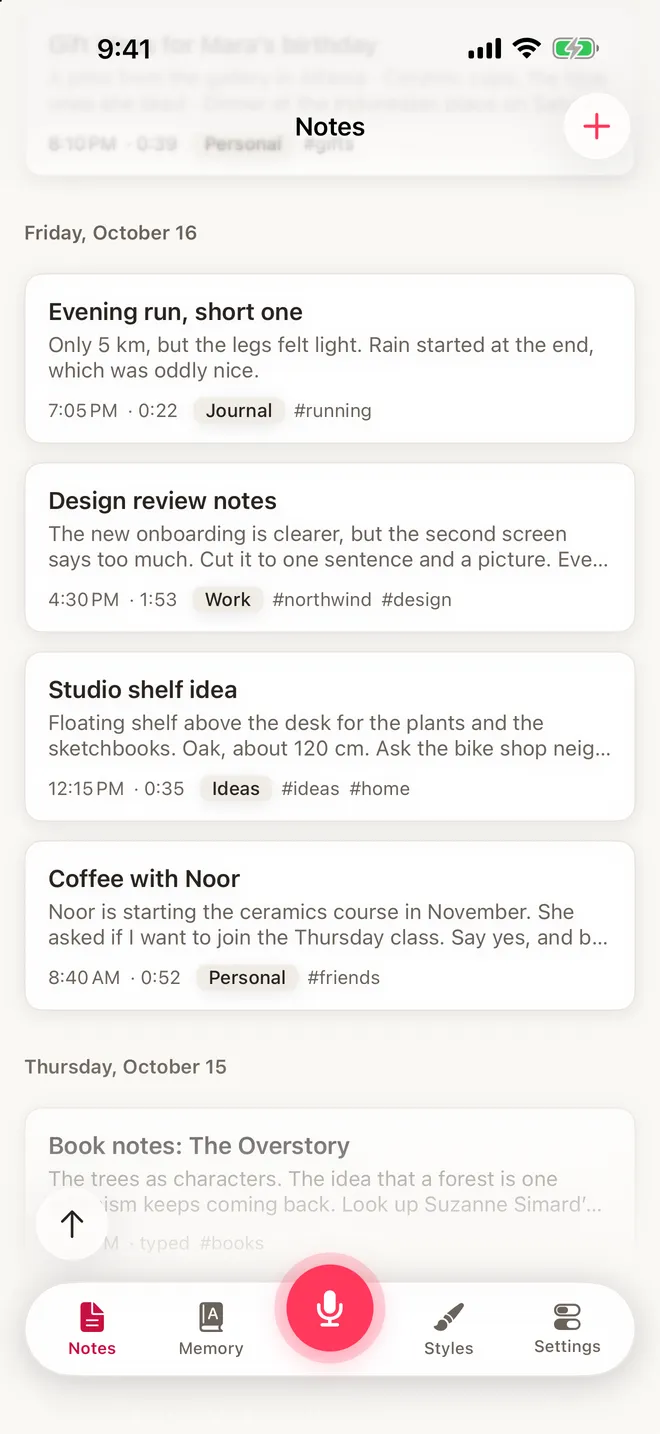
Tap Record on the watch, or start it from a complication, the Smart Stack, Control Center, the Action button or Siri. When you stop, the recording waits on the watch until your iPhone takes it. Then it's written up in your own words: a title, the ums gone, your corrections kept, names spelled the way you taught it. The recording and transcript stay with the entry.
- Good: you get an entry, not a transcript. It shows up on your iPhone, iPad, Mac and the web, on the day you recorded it.
- Good: nothing is lost if you're out of range. The recording is kept on the watch until it can be sent.
- Watch out: it needs the iPhone app. Entries are read-only on the watch; you edit them on a bigger screen.
- Watch out: writing up an entry uses an online service, so it happens once your phone is connected.
There's a free plan to try it, and Pro for longer and more recordings. How Thinkdown works on Apple Watch.
2. Day One
Day One is one of the best-known journal apps, with photos, templates and many journals in one place. Its watch app lets you dictate a text entry or record audio into a new entry, and recordings made away from your phone sync when you're back in range.
- Good: a mature, full-featured journal on iPhone, iPad, Mac and the web.
- Watch out: audio recording on the watch needs a paid plan, and Day One says transcription isn't available for audio recorded on Apple Watch. You get the recording, not text.
Source: Day One for watchOS, Audio recording.
3. Just Press Record
Just Press Record is a focused recorder for iPhone, iPad, Mac and Apple Watch. Recordings made on the watch move to your iPhone, where they're transcribed into editable, searchable text. Its maker says it supports more than 30 languages and that your audio isn't uploaded to their servers.
- Good: simple, private, a one-time purchase rather than a subscription.
- Watch out: you get a word-for-word transcript, ums and all. It's a recorder, not a journal: no dates-as-entries, prompts or look-backs.
Source: Just Press Record.
4. Voice Memos (built in)
Apple's own Voice Memos app is already on your watch. Tap record, and the memo syncs to your iPhone, iPad and Mac. On iPhone 12 or later, Voice Memos can show a transcript in English, Chinese and several other languages.
- Good: free, built in, nothing to set up.
- Watch out: memos are named by place or number, not by what you said, so they pile up. The transcript is word for word, and it isn't a journal you can browse by day.
Source: Voice Memos on Apple Watch, Voice Memos transcription.
Which one should you pick?
- You want to reread what you said: Thinkdown. You get a clean, titled entry instead of audio.
- You already keep a Day One journal: use its watch app, and accept that watch audio stays audio.
- You want exact recordings and transcripts: Just Press Record.
- You only record now and then: Voice Memos is fine, and free.
Whatever you choose, try it for three days. Record a minute each evening from your wrist, then reread all three on day three. If you'd happily keep reading, you've found it.